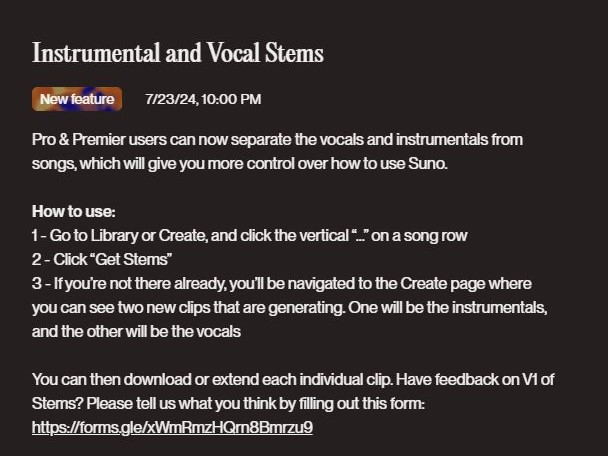
Suno Pro and Premier users can now separate vocals and instruments in a song, offering new ways to use Suno.
How to Use:
1 – Go to the 'Library' or 'Create' page, then click the '...' in the song row.
2 – Click 'Get Stems'
3 – If you are not already on the page, the system will navigate you to the 'Create' page, where you can see the two new stems being generated: one for the instrumental track and one for the vocal track.
You can now perform with the background music!